Turn a product photo into on-model photos — the same AI model every time
Upload a flat lay, a hanger shot, a mannequin photo or a photo of it being worn. Pick one of our AI models and get your garment on them in 1:1, 4:5 and 9:16 — then show every new colour on the same model, pose and light.
- Fill it in before you sign up
- Reading your photo is free
- 1 credit a shot, all three ad sizes
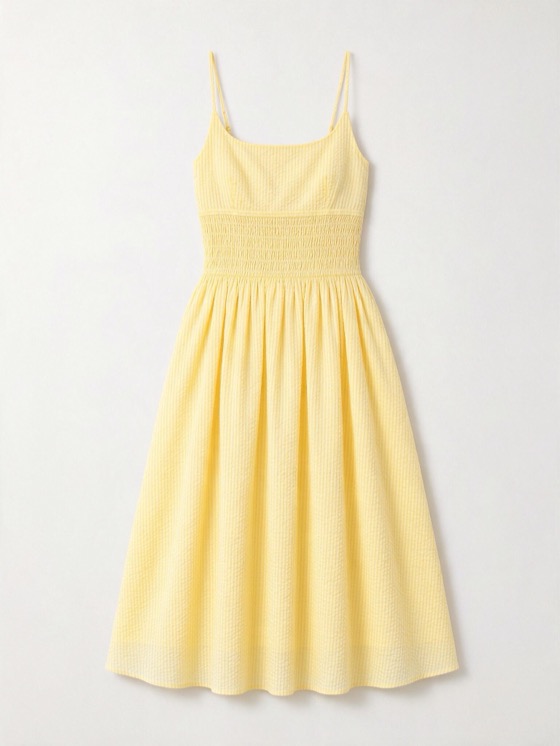
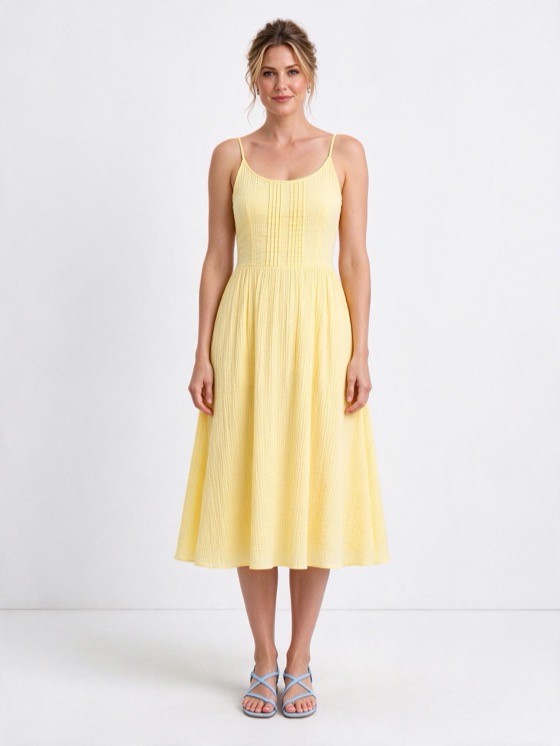
Flat lay, hanger, mannequin or worn — any photo of your product
Use the photo you already have. We read the garment from it — category, cut, neckline, fabric, colour, length — and show you what we read before anything is made.
- 01Flat lay → on a modelLaid flat on the floor or a table, nothing folded under.
- 02Hanger → on a modelOn a hanger or a rail, shot from the front.
- 03Ghost mannequin → on a modelOn a dress form or a mannequin, or with the form edited out.
- 04Worn → on a modelSomeone wearing it. We only read the garment — the person is never edited or put in the new photos.
Dresses, tops, knitwear, outerwear, trousers and sets. When you upload, you tick that it’s your own product.
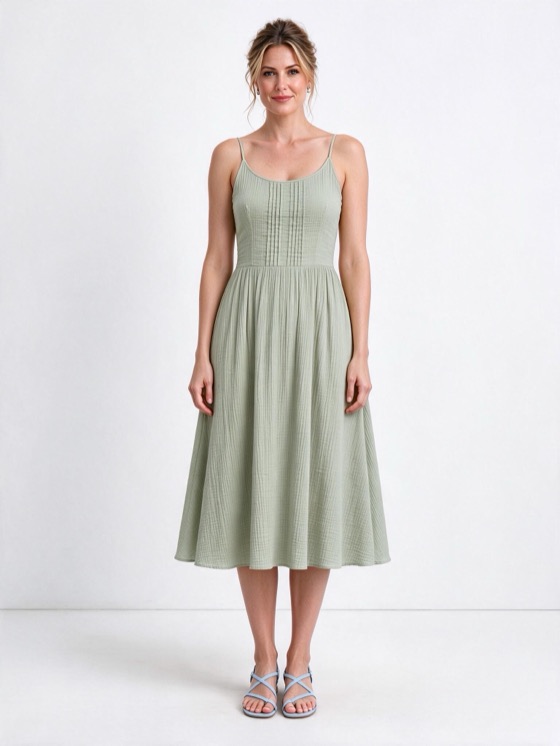
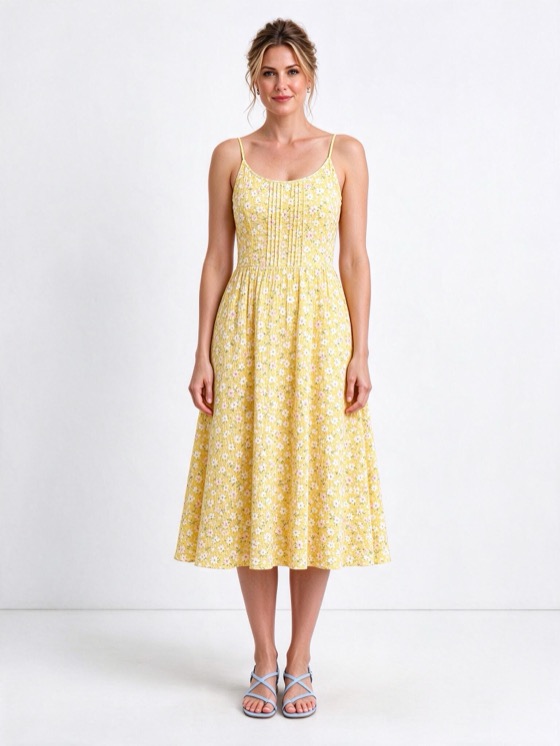
New colours and prints on the same model, pose and light
Most generators give you a new person every run. Here the model, pose, light and the rest of the outfit stay put, and each version changes one thing — so when you run them as ads, you’re comparing the style, not the shoot.
- Up to 5 new versions next to your original
- One change each: a colour, a pattern, an occasion or one detail
- What you lock on the product card stays the same in every version
12 AI models, from size S to 18 and men’s XL
Women and men, 20s to 40s, with different skin tones and body types. Every model has the same framing and light, so any garment can go on any of them.
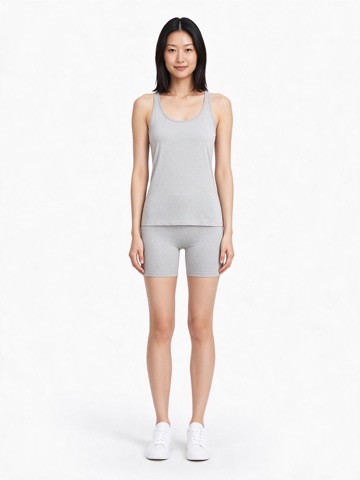 Mia20s · size S
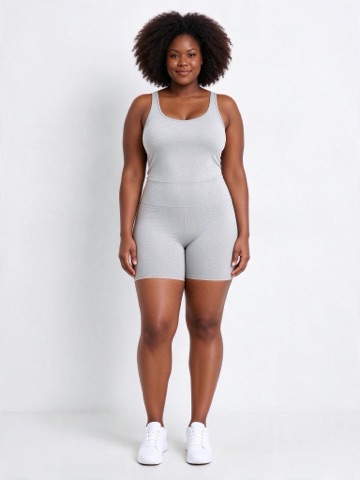 Ava30s · size 18
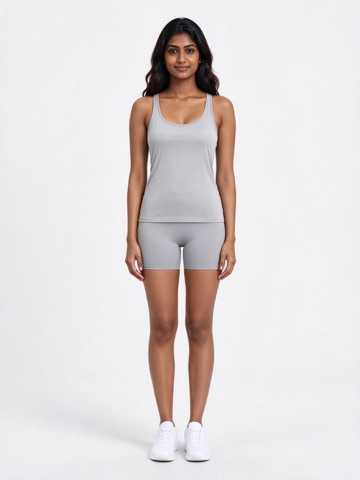 Noor20s · size M
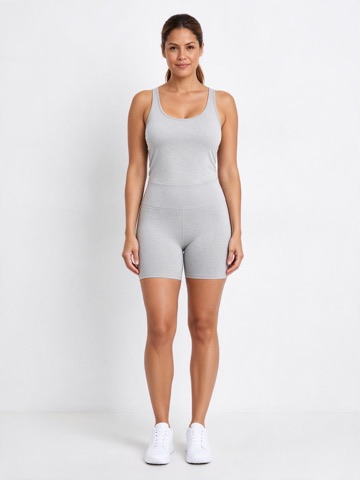 Lucia30s · size 12
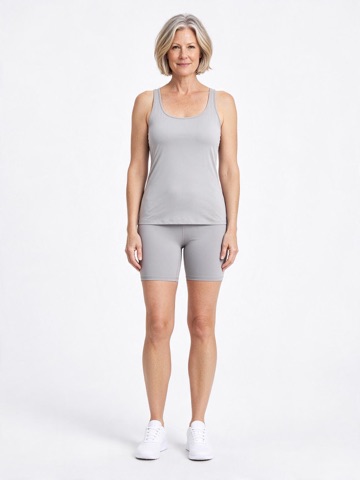 Grace40s · size M
Rin20s · size S
Hana20s · size S
Freya20s · size S
Sora20s · size S
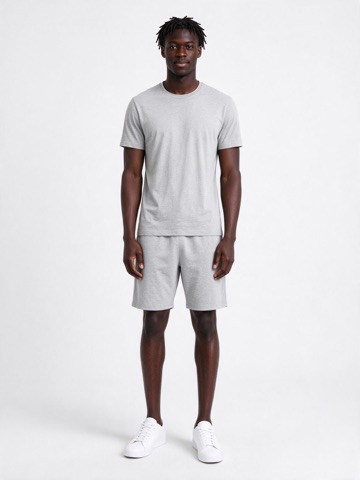 Kofi20s · men’s M
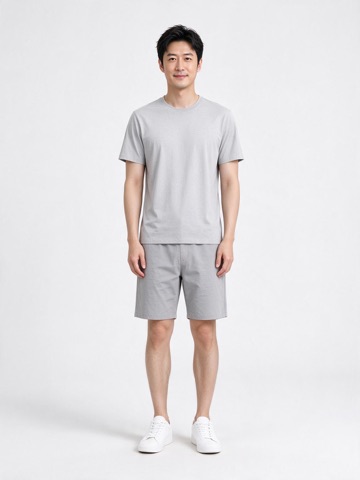 Kenji30s · men’s S
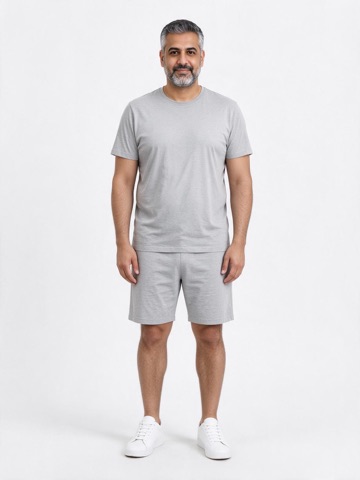 Omar40s · men’s XL
On-model photos you can put straight into ads
- Three ad sizes, made natively1:1, 4:5 and 9:16 are each made at their own shape, so the 9:16 isn’t a crop of the square.
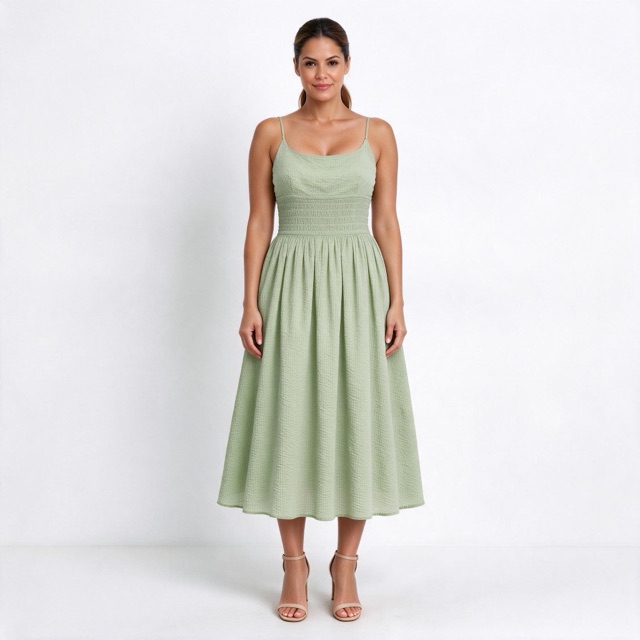
1:1 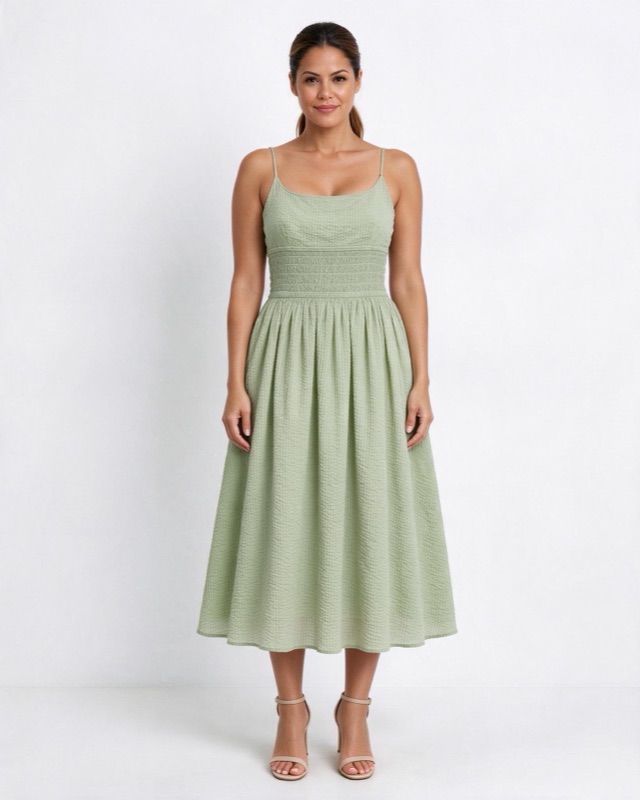
4:5 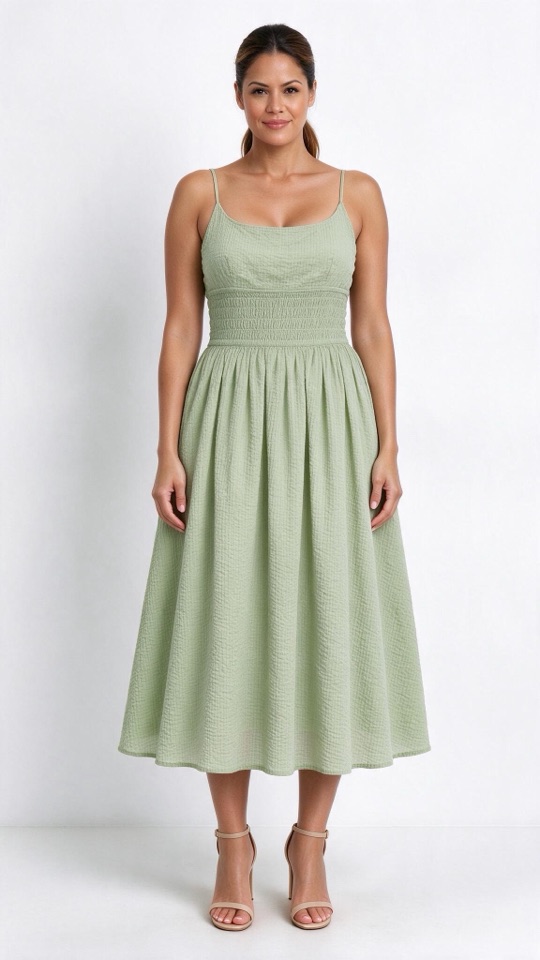
9:16 - Front, back, flat and detailPick the shots you need. If you only have a front photo, the back is the AI’s best guess, and we say so.
- A finished lookA top gets matching bottoms and shoes; a dress gets shoes. The same outfit in every version — or keep our plain base outfit.
- Main photos firstYou see one photo of each version first. Only when they look right do you make the other sizes and shots.
- Not right? Redo itMark a photo that’s off and it’s made again once, free.
- Ready to useDownload a test kit: photos named for your ad sets, AI-disclosure lines and Shopify draft products.
From product photo to model photo in three steps
- 01
Upload your product photo
A flat lay, hanger, mannequin or worn photo. Tick that it’s your own product.
- 02
Check what we read
Category, fit, neckline, fabric, colour, length. Lock what must stay the same; leave open what you want to try.
- 03
Pick a model and make it
Choose the model, the shots and the ad sizes. The main photos come first; the rest when you say so.
Want the step-by-step with tips? Read How to put your clothes on an AI model →
1 credit a shot — all three ad sizes included
One version × one shot (say, the front) is 1 credit, whether you want one ad size or all three. Reading your photo is free. The Free plan comes with 20 credits a month and downloads at 1K; paid plans download full size.
Questions about product photo to model AI
You can fill everything in without signing up and sign in when you click make. The Free plan comes with 20 credits a month — one credit covers a shot in all three ad sizes — and downloads at 1K.
Yes. Upload the flat lay, check what we read from it, pick a model and make it. A hanger shot or a mannequin photo works the same way.
Locked details stay the same in every version, and you see the main photo before you make the rest. Busy prints, small logos and sheer fabric can drift, so compare with the real garment before you run the photos.
You can upload a photo of the garment being worn, but only the garment is used — the person is never edited or put in the new photos. On paid plans you can make your own model from a description, never from a photo.
Yes — that’s what a test is for. Each version changes one thing, and the model, pose, light and outfit stay the same.
They are concept images until the style is made. The test kit includes AI-disclosure lines for ads and product pages; swap in real photos once you have them.
Read more, or make a video of it
- GuideHow to put your clothes on an AI modelThe method: what to shoot and what to check.
- GuideCan I use AI models for my clothing brand?What’s allowed, what to label, what buyers think.
- GuideTest a new colour without a photoshootRun colours as ads before you order fabric.
- ToolClothing video generatorTurn the same product photo into a video with sound.
See your product on a model today.
One photo, a model, three ad sizes. Fill it in now — you only sign in when you click make.
Try it with your photo →